
How to Cheat in Google Forms Quiz
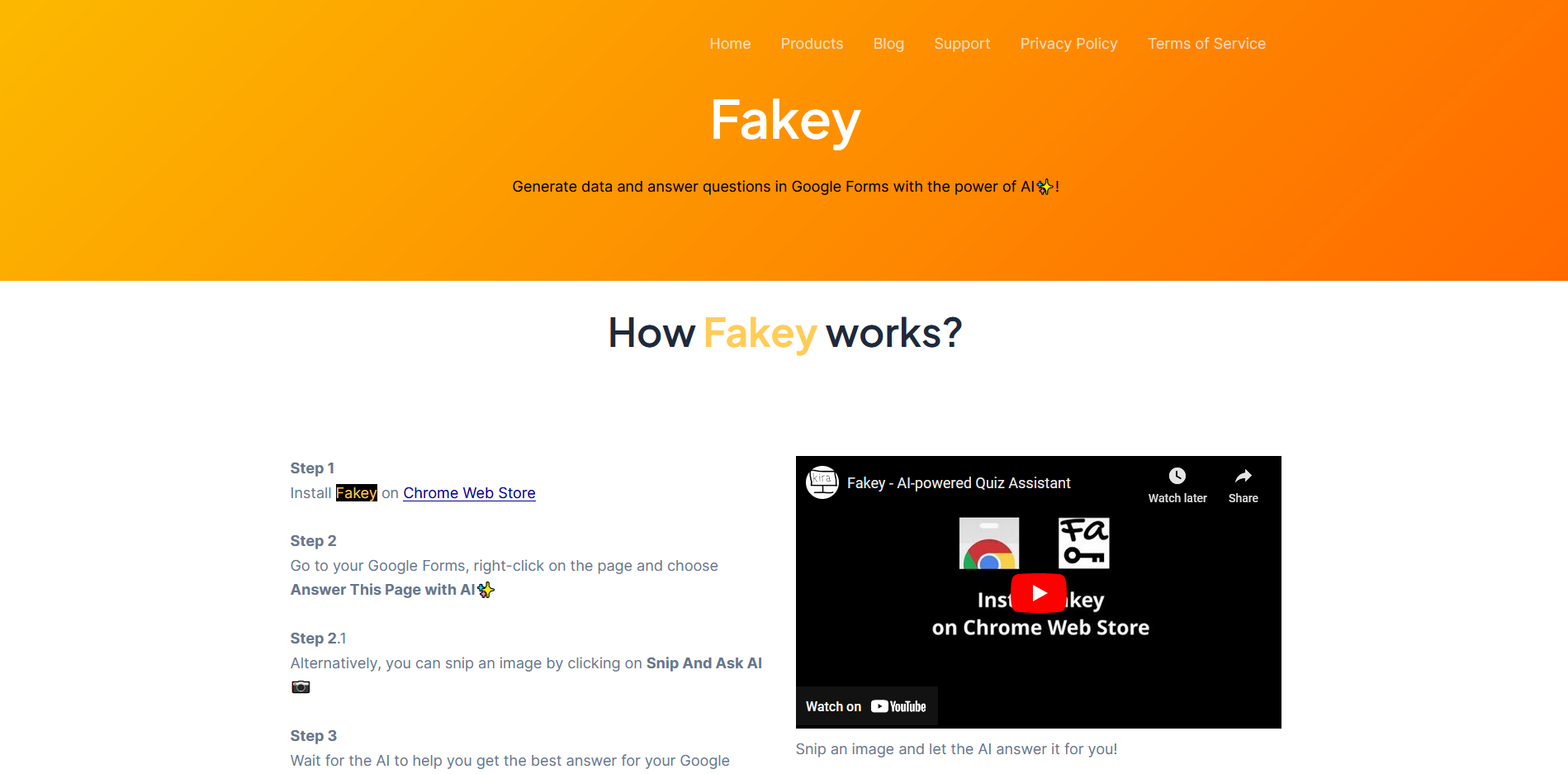
Every student’s dream is getting full marks without even studying the night before and here is how you as a student can make that dream come true and how to cheat in Google Forms Quiz.
AI can do a lot of homework for you these days. One use most people haven’t thought of? Answering a Google Forms quiz in a few clicks.
Step 1: Install Madomi
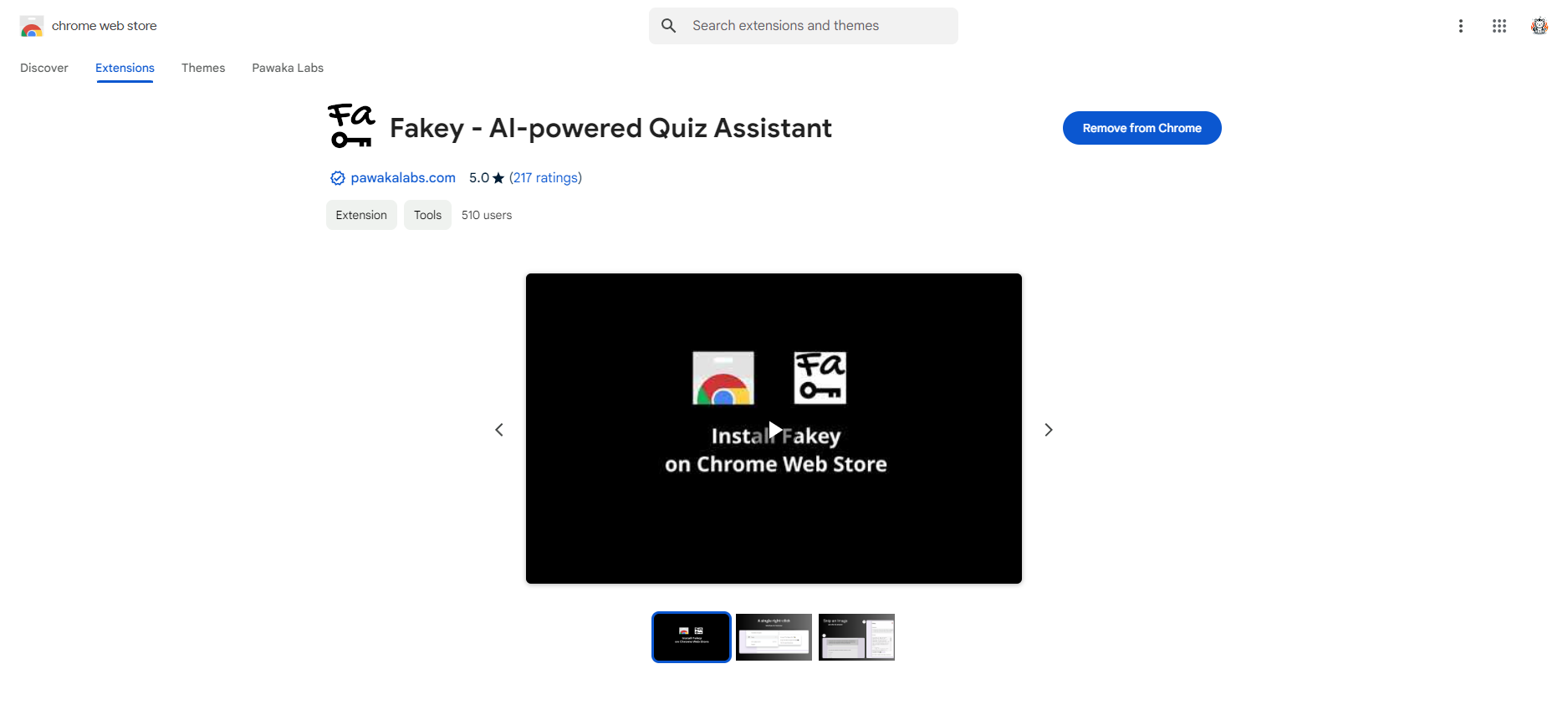
Madomi is a Chrome extension with AI built in, and it does the answering for you. Go to Chrome Web Store and install Madomi now. It’s free!
Step 2: Start Using Madomi!
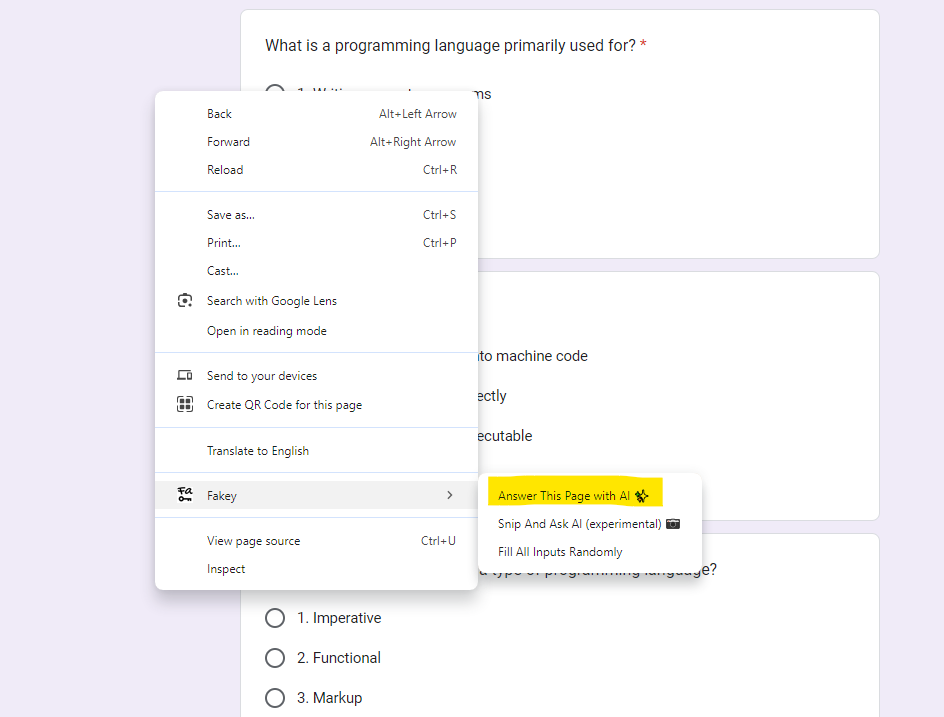
All you need to do now is go to your Google Forms quiz and right-click the page!
Choose **Madomi **> Answer This Page with AI
The AI will start to populate the answers to your quiz no matter what type of question, whether it is multiple-choice, checkboxes, dropdown, open-ended or even if the question contains images!
Step 3: Subscribe to Madomi Premium
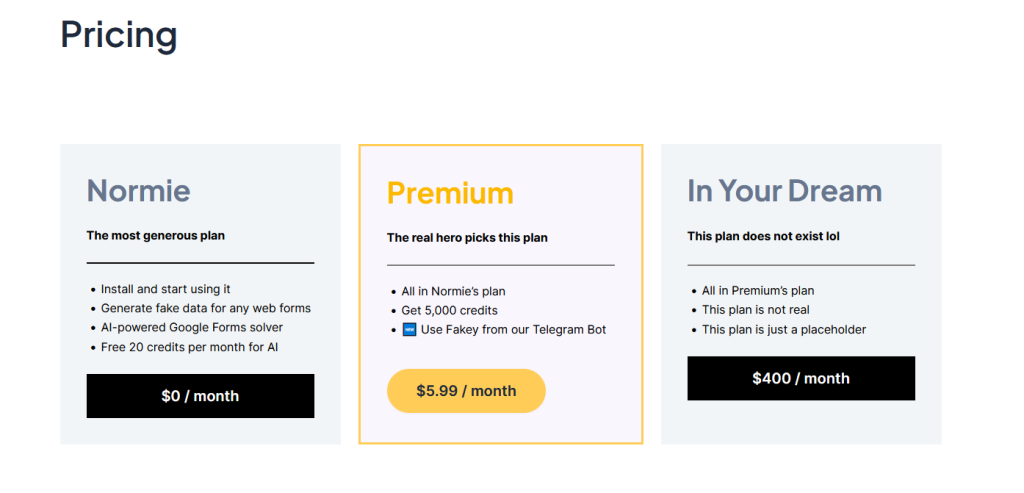
If you’re happy with the free version, that’s fine! Keep using it. You’ll miss out on a few things though, because Madomi Premium has the best features and we keep adding more.
The killer feature for Madomi Premium is you can use Madomi in Telegram and all you need to do is ask the bot to answer the quiz for you!
The short answer on how to cheat in Google Forms Quiz
All you need to do to cheat in Google Forms Quiz is use Madomi. No fancy tricks needed. Honestly, this is a tool every student needs, and we think we deserve it.
Read more articles on Pawaka Blog
Keep reading
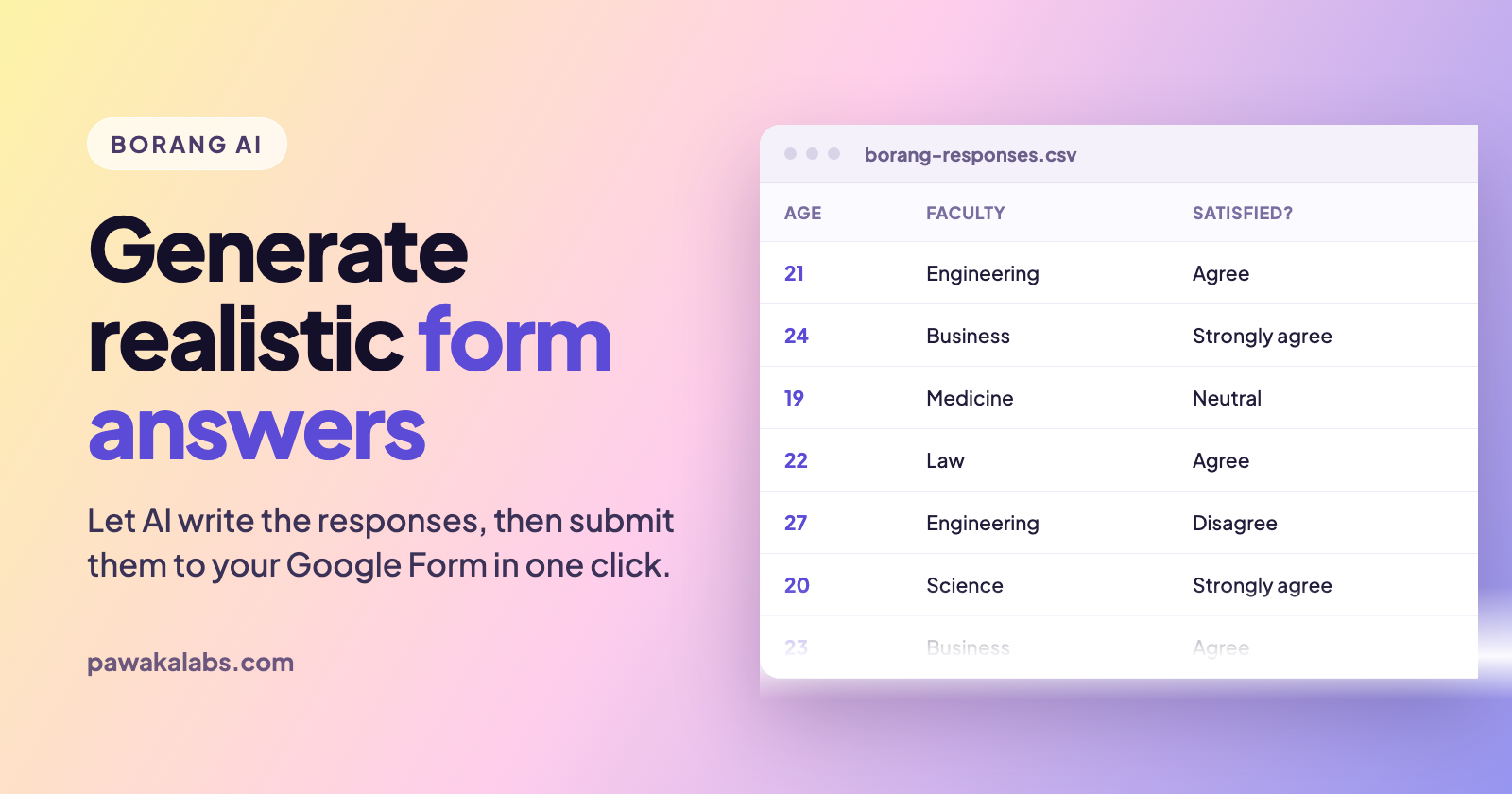
Borang AI: Generate Realistic Google Forms Answers Automatically
Borang AI writes realistic Google Forms answers for you, then submits them automatically. Here is how the AI data generator works and when to actually use it.
How to Automate Google Form Submissions Without Writing a Single Line of Code
Learn how to submit a Google Form multiple times, generate dummy data, and schedule automated responses using Borang, the Chrome extension with 40,000+ active users.

How to Get Survey Responses Fast When Your Deadline Is Tomorrow
You have 11 responses. You need 50. The report is due tomorrow.
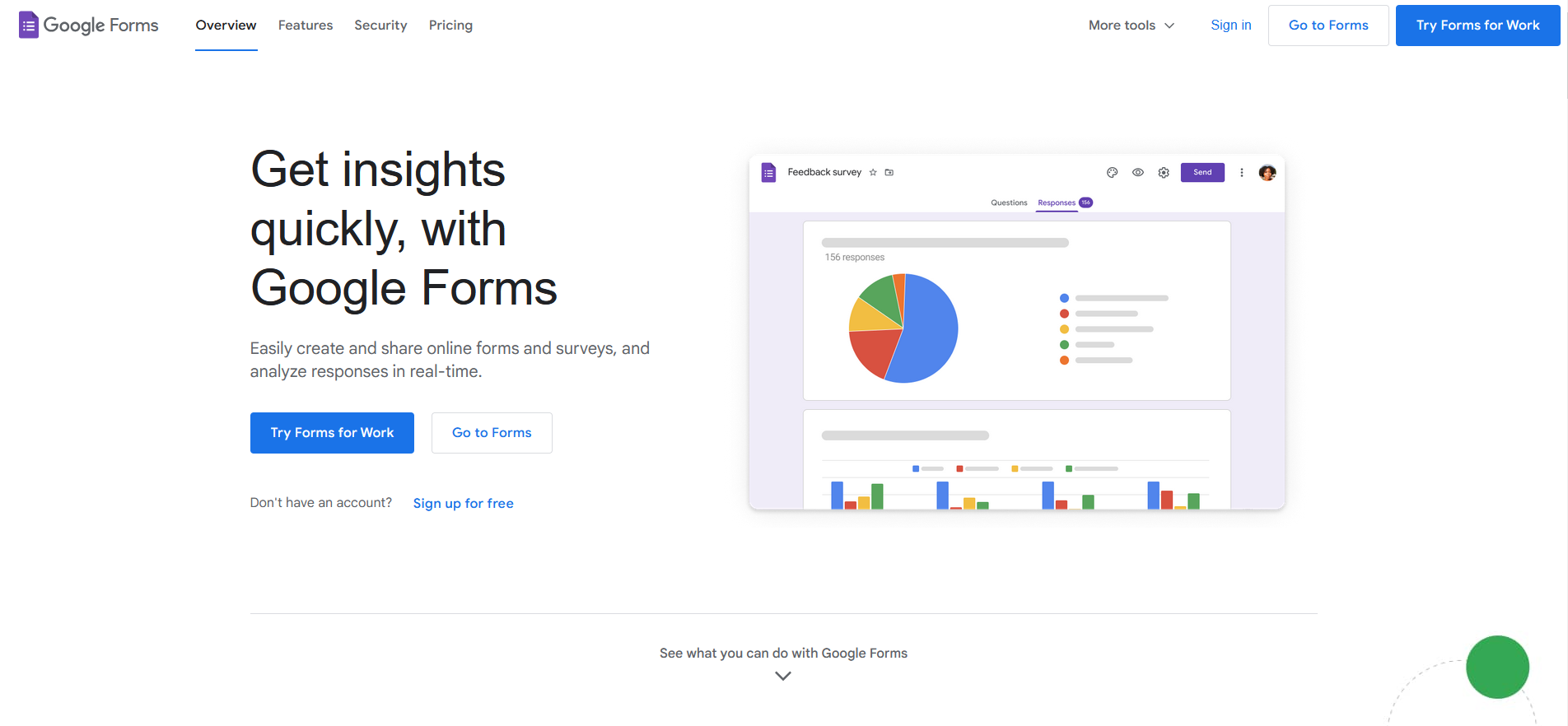
How to Make Poll on Google Forms
In today's digital age, gathering feedback and opinions from a large group of people has never been easier with the use of online polls.
[Borang TikTok Challenge] Win 1-Year Skrin Premium Subscription For Borang Chrome Extension
Make TikTok content about Borang Send us the link to the content at support@pawakalabs.com for confirmation