


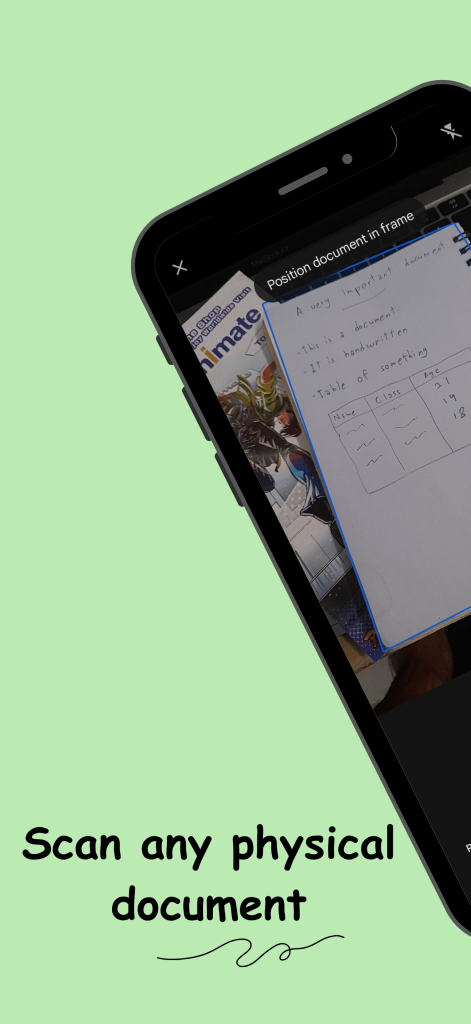
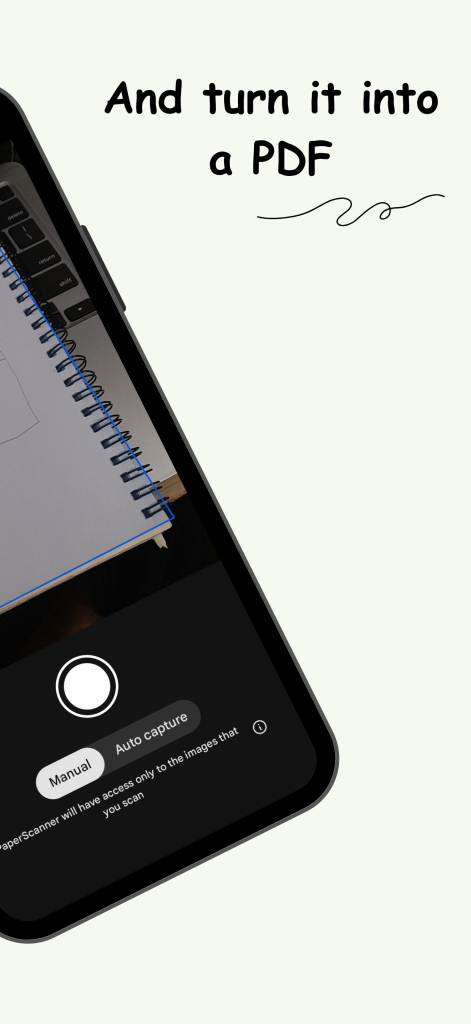
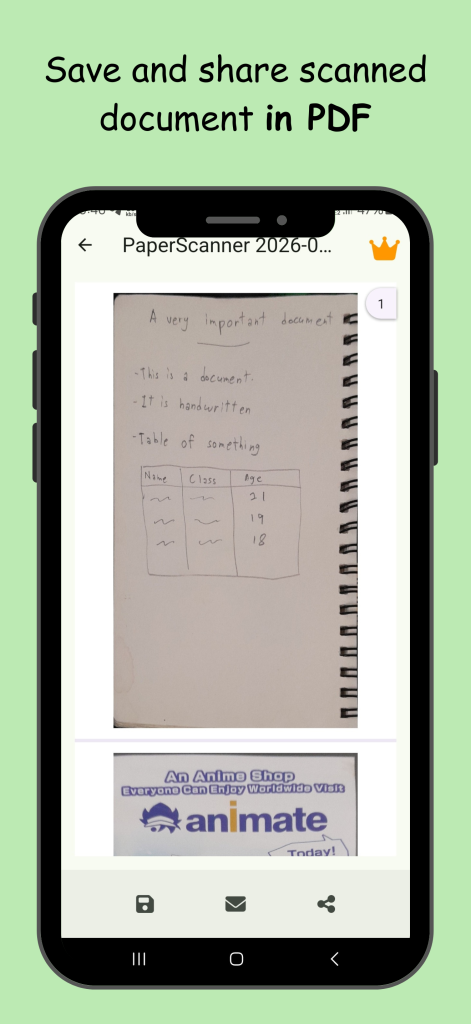
PaperScanner turns the camera on your phone into a document scanner. Point it at any piece of paper, and you get a clean, high-quality PDF in seconds, all in one app, no account required.
Screens
Features
Basic (free)
- Scan any physical document
- Convert to PDF instantly
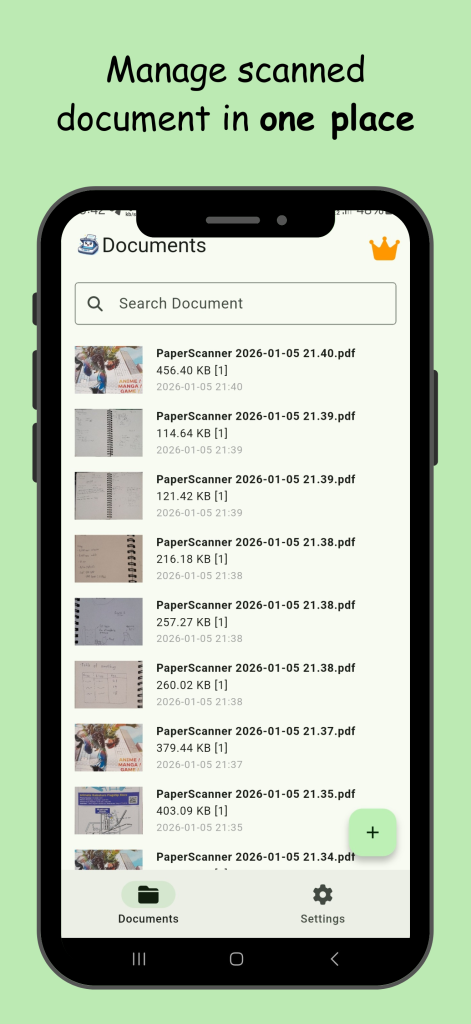
- Manage all documents in one place
- Simple, fast workflow
Premium
- No watermark
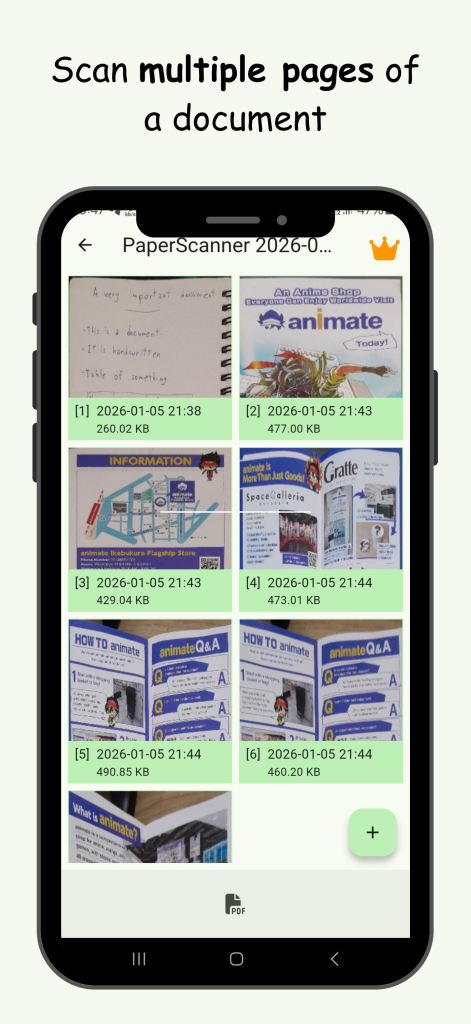
- Batch scanning
- Priority access to new features
FAQ
Do I need an account to use PaperScanner?
No. You can use PaperScanner without signing up.
Does PaperScanner detect document edges automatically?
Yes. There's a visual indicator while you scan so you can frame the page accurately.
Where can I get PaperScanner?
On the Google Play Store for Android and the Apple App Store for iOS.
How do I contact support?
Head to the support page.