

Borang is a Chrome extension used by hundreds of thousands of students, researchers, and businesses to generate data for Google Forms and Microsoft Forms. One of the more interesting use cases: training-dataset generation for deep-learning models.
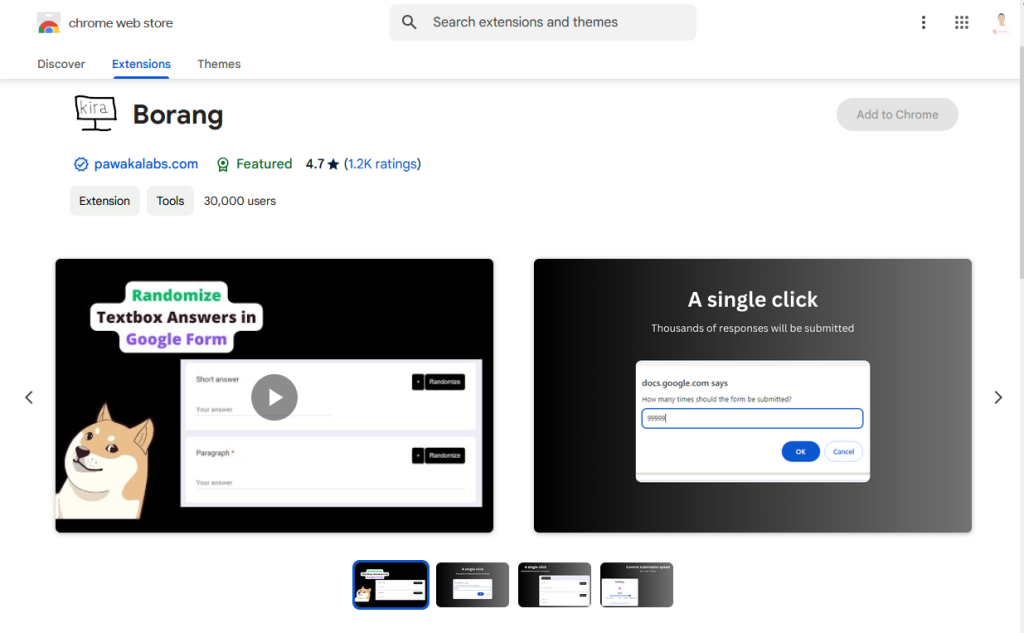
Demo
Features
Google Forms
- Unlimited submissions in one click
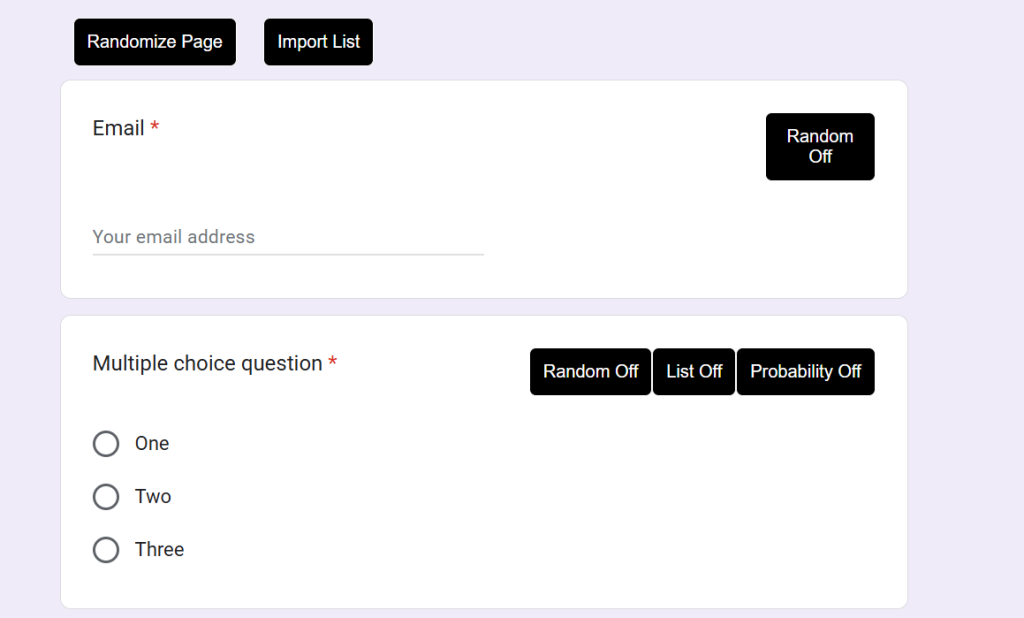
- Randomize answers
- Bulk submit by importing CSV
- Probability-weighted answers
- Schedule submissions
- Auto-generate answers with AI
- Cronbach's Alpha
Microsoft Forms
- Submit up to 200 responses in one click
How to use it
-
Install Borang from the Chrome Web Store.
-
Open any Google Form. Borang activates automatically. Walk through each feature with the tutorial playlist on YouTube.
FAQ
How do I cancel my subscription?
Open the Borang extension popup → Manage Subscription.
How do I contact support?
Head to the support page.
Can I use Borang for free?
Yes. Borang is freemium: the basic features are free with unlimited trials.
Can I use Borang on my mobile device?
On Android, install Mises Browser then install Borang inside it. On iOS, you can subscribe to Skrin Premium or Skrin Premium Plus. We still recommend desktop for the full feature set.