
How to Get Survey Responses Fast When Your Deadline Is Tomorrow

You have 11 responses. You need 50. The report is due tomorrow.
You shared the form, you begged your group chat, and then you waited. And here you are, still short on responses the night before the deadline. Skip the panic. Here’s what actually works.
Post It to r/SampleSize
There’s a subreddit full of people who fill out surveys because others fill out theirs. Drop your link there with a short description. You can pick up real responses within the hour. The catch is most respondents will be from Western countries, so if your study needs a specific demographic, keep that in mind.
Use Borang to Fill the Gap
Borang is a Chrome extension that submits Google Forms multiple times with one click. Fill in the answers once, set the number of submissions you need, and let it run. That’s the whole thing.
It has over 40,000 active users and 4.7 out of 5 stars on the Chrome Web Store. A lot of those users are students in the exact same situation you are in right now.
How to do it:
- Install Borang from the Chrome Web Store.
- Open your Google Form and fill in the answers.
- Click the “Submit” button and enter how many submissions you need.
- Hit OK.
If you need the responses to look varied rather than identical, Borang Premium has a randomizer that mixes up answers across submissions. There’s also a CSV import if you want to prepare a full list of different answers beforehand.
Make the Form Worth Opening
This one won’t save you tonight, but it’s why you’re short in the first place. A bare Google Forms link is a hard sell. People see the purple header, assume it’s a ten-minute chore for somebody else’s benefit, and close the tab. That drop-off happens before they’ve read a single question, so nothing about your survey design can win it back.
If you’re sending the survey from a website, a newsletter or a client, embedding it so it looks like it belongs to you removes the “is this even legit?” hesitation. A Google Forms add-on like TakumiForm (takumiform.com) restyles the form in your own colours and fonts and gives you a snippet to drop on your page, and the responses still land in the same Google Sheet you’re already watching. If the form also asks for a file, it can take one without making the respondent sign into a Google account, which is another place people quietly give up.
Worth doing before you send the next one out.
Do both. Post to r/SampleSize for real responses, use Borang to close the gap. You’ll hit your number before midnight.
Future you: share the form earlier next time.
Read more on Pawaka Blog
Keep reading
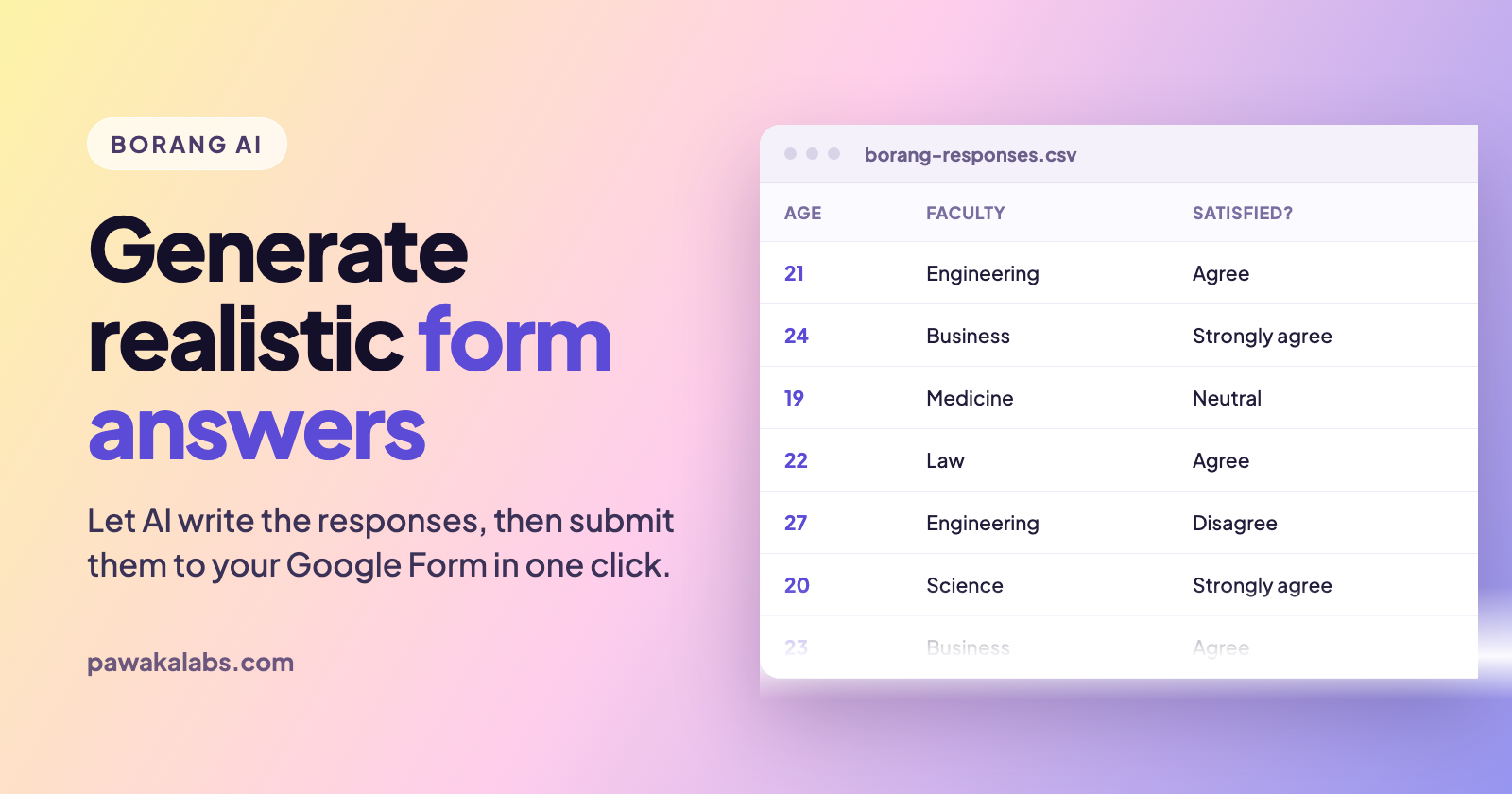
Borang AI: Generate Realistic Google Forms Answers Automatically
Borang AI writes realistic Google Forms answers for you, then submits them automatically. Here is how the AI data generator works and when to actually use it.
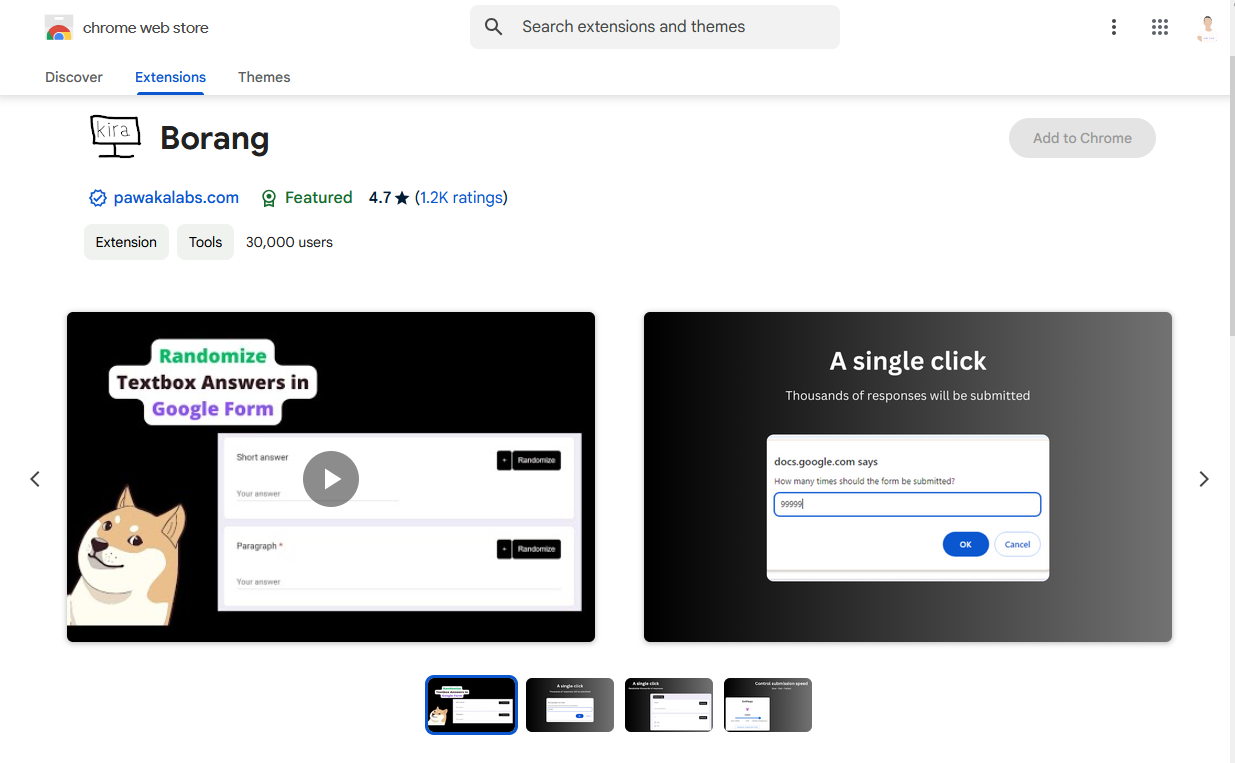
How to Submit Google Forms Multiple Times Using Borang
Stop doing it manually. There is a much faster way.
How to Make Poll on Google Forms
In today's digital age, gathering feedback and opinions from a large group of people has never been easier with the use of online polls.

Frieren Season 2 Is Here. Here Is How to Read the Manga Ahead of Every Episode
The anime is almost over. The manga still has more story to tell.
How to Automate Google Form Submissions Without Writing a Single Line of Code
Learn how to submit a Google Form multiple times, generate dummy data, and schedule automated responses using Borang, the Chrome extension with 40,000+ active users.