
The Best Tachimanga Alternative for iOS in 2026 (It Also Translates)
If you’re hunting for a Tachimanga alternative on iOS, Madomi is the one to try. It’s a free source-based manga reader that works with the same Mihon extension repos, imports your Tachimanga .tmb backup directly, connects to your Komga server, and gives you a higher free download cap. It also does the one thing Tachimanga can’t do at all: translate raw manga while you read it. But you don’t need to care about translation for the switch to make sense.
Plenty of people are on Tachimanga for a simple reason: when Tachiyomi shut down in early 2024 and Mihon carried on as Android-only, it was the app iPhone users landed on. So if it’s working for you, great.
But if you’re reading this, something about it isn’t. Usually it’s one of four things, and Madomi has an answer for each of them.
Why people go looking for a Tachimanga alternative
- The free tier got tighter. Tachimanga’s free tier caps you at around 10 chapter downloads a day, and the comfortable experience sits behind Premium ($1.99 a month, $9.99 a year, or $24.99 lifetime). If you were expecting the old free-and-open Tachiyomi deal, it stings.
- Sources break. Any source-based reader inherits this, but when a source dies mid-series you start wondering what else is out there.
- App Store anxiety. iOS reader apps in this category have a history of vanishing, and nobody wants to rebuild a 200-series library from scratch in whatever app comes next.
- It’s iOS only. Read on your iPhone, and your Android tablet or your laptop is on its own. Tachimanga has no Android app and nothing for the browser.
And then there’s the one nobody in this category solves: the series you want isn’t translated. More on that further down, but it’s a bonus here, not the main event.
Meet Madomi: a full Tachiyomi-style reader for iPhone (and Android)
Here’s the part most people don’t know: Madomi is a full extension-based manga reader, built the same way Tachimanga is, on the same Mihon-compatible extension system. It isn’t a translator with a reader bolted on. The reader is the app, and it’s free.
- Sources from Mihon extension repos. Paste a repo’s index URL and install sources, the exact flow you already know from Tachimanga. Any repo that works in Tachimanga works here as-is.
- Import your Tachimanga backup directly. Bring your Tachimanga
.tmbfile (or a Mihon.tachibk) and your library, categories, reading progress and tracking come over intact. You don’t rebuild anything. - A proper reader. Five reading modes (left-to-right, right-to-left, vertical paged, webtoon, and continuous with gaps), Mihon-style tap zones, continuous chapter-to-chapter scrolling in both directions, colour filters, brightness, a pure-black theme, custom accent colours, and auto scroll for long webtoons.
- The library features you’d expect. Categories, a new-chapters Updates feed, global search across every installed source, saved filter presets, source migration when a source dies, and a “similar manga” row on every series pulled from AniList and MyAnimeList.
- Tracking built in. Sync your progress to AniList and MyAnimeList.
- Your own library too. Open CBZ, PDF and ZIP files, or connect a self-hosted Komga server.
- Cross-device sync. Your library and reading position follow your Madomi account between devices.
- Reads manga sites directly as well, with translation overlaid in place if you want it.
The free plan gives you 20 chapter downloads a day, twice Tachimanga’s free cap, plus free translation credits every month. Trackers, sync, unlimited downloads, auto scroll, read-ahead and custom themes are the one-time Madomi Reader purchase (a lifetime unlock, not a subscription, and it’s 80% off until the end of September 2026). Translation credits are a separate thing, and if you never translate anything you never pay for them.
Tachimanga vs Madomi
| Tachimanga | Madomi | |
|---|---|---|
| Source-based (Mihon repos) | Yes | Yes |
| Free download cap | ~10 chapters/day | 20 chapters/day |
| Full-featured unlock | $24.99 lifetime (or subscription) | Madomi Reader, one-time lifetime |
Imports Tachimanga .tmb backups | Yes | Yes |
Imports Mihon .tachibk backups | Yes | Yes |
| Komga + your own files | Yes | Yes |
| AniList / MAL tracking | Yes | Yes |
| Cross-device sync | Yes | Yes |
| Reading modes | Paged + webtoon | 5, incl. vertical paged and continuous with gaps |
| Source migration when a source dies | Yes | Yes, single and bulk |
| Translates raw manga | No | Yes |
| Also on Android + browser | No, iOS/Mac only | Yes, one account everywhere |
Feature for feature, Madomi covers the Tachimanga workflow and then some. The translation row is the headline, but look at the rows above it: a higher free cap, a direct import path from Tachimanga, and the same app on Android and in your browser.
If you only read English scanlations
Say you follow twenty series, every one of them has an English scanlation, and you’ll never press a translate button in your life. Is Madomi still the better pick?
Yes, and here’s the honest reasoning. The two apps pull from the same repos and the same sources, so the chapters you see are identical. What differs is everything around them:
- You get more for free. 20 downloads a day instead of about 10, every reading mode, categories, the Updates feed, global search and Komga, with no unlock required.
- Switching costs you nothing. Export your
.tmbfrom Tachimanga, import it into Madomi, done. Your progress, categories and tracker links are already there when the import finishes. - You’re not locked to one device. Read on your iPhone tonight and pick up on an Android tablet or in Chrome tomorrow, on the same account.
- When you do unlock, it’s once. Madomi Reader is a lifetime purchase. Tachimanga’s lifetime is $24.99, and if you catch the September sale, Madomi’s is a fraction of that.
- The translation features stay out of your way. In the reader, translation is one button in the bottom bar. If you never tap it, you never see a credit counter.
And if one day a series you love stalls out in English, the button is right there. Tachimanga can’t offer that at any price.
The language wall, for everyone else
If your backlog does include raws, this is where Madomi stops being “a bit better” and becomes a different kind of app. Open a raw Japanese chapter, a Korean manhwa 80 chapters ahead of the English release, or a Chinese manhua nobody has picked up, and Madomi reads the text in every bubble with OCR built for manga fonts and draws the translation onto the page as you scroll. The original art stays untouched.
We’ve written full walkthroughs if your untranslated backlog is Korean manhwa or Chinese manhua, and a broader look at the state of iOS manga readers if you want the full landscape. Coming from Aidoku rather than Tachimanga? There’s an Aidoku alternative guide too, and if you want the two apps lined up spec by spec, read Tachimanga vs Madomi.
Switching from Tachimanga takes a few minutes
- Get Madomi on the App Store. Free, and there’s no sign-up wall. (The listing may still show the old name, Fakey. Same app.)
- In Tachimanga, export a backup. You’ll get a
.tmbfile. - In Madomi, go to Settings, then Library & sources, then Backup and restore, and pick that
.tmb. Madomi installs the sources it needs from your repo and rebuilds your library, categories and progress. - Using Komga? Point Madomi at your server and your collection is just there.
- Optional: open a raw chapter and watch it come out in your language.
No .tmb handy? Add the same Mihon repo index URL you used in Tachimanga, install your sources, and re-add your series. Mihon .tachibk backups import the same way.
Stop settling for a reader that stops at your phone
Madomi keeps the source-based workflow you came to Tachimanga for, gives you more of it for free, follows you to Android and the browser, and knocks down the one wall no reader ever could. Grab it on the App Store and import your backup tonight.
Read more anime and tech blogs.
Frequently Asked Questions
Is Madomi source-based like Tachimanga?
Yes. Madomi installs sources from Mihon extension repos using the same paste-a-repo-URL flow, and it imports both Tachimanga .tmb and Mihon .tachibk backups. The difference is that Madomi also runs on Android and in the browser, and can translate raw chapters as you read.
Is Madomi worth it if I don’t need translation? Yes. The reader is free and full-featured, the free download cap is higher than Tachimanga’s, your Tachimanga backup imports directly, and the same account works on Android and in the browser. Translation is an extra you can ignore entirely.
Is Madomi free? The reader is free: every reading mode, online sources, Komga, categories, global search, and 20 chapter downloads a day. The one-time Madomi Reader purchase adds trackers, cross-device sync, unlimited downloads, auto scroll, read-ahead and custom themes. Translation credits are separate, and the free plan includes some every month (1 credit per translated image), with Madomi Premium making it unlimited.
Is Tachimanga the same as Tachiyomi? No. Tachiyomi was an Android app, discontinued in early 2024 (Mihon is its Android successor). Tachimanga is a separate iOS app inspired by it. Madomi brings the same Mihon-repo source system to iPhone and Android, with translation on top.
Does Madomi work on iPad and Mac? Yes, the iOS app covers iPhone and iPad, and Madomi also runs as a Chrome or Firefox extension on any desktop, plus a native Android app. One account works across all of them.
Can I move my library from Tachimanga to Madomi?
Yes, directly. Export a .tmb backup from Tachimanga and import it in Madomi under Settings, Library & sources, Backup and restore. Library, categories, reading progress and tracker links all come across. A Komga library carries over by just connecting the server.
Keep reading
Tachimanga vs Madomi in 2026: Which iOS Manga Reader Should You Use?
Tachimanga vs Madomi, compared round by round: sources, platforms, price, reader features and translation. Madomi wins on free limits, Android and browser apps, and raw manga translation.
Is There a Mihon for iOS? No, and Any App Called Mihon on the App Store Is Fake
There is no Mihon for iOS and the team says there never will be. Any App Store app using the name is fake. Madomi is the iPhone reader that uses the same repos and .tachibk backups.
The Best Paperback Alternative for iOS in 2026: Madomi (Mihon Sources, Android Too)
Looking for a Paperback alternative? Madomi is a free source-based manga reader with Mihon repo sources, AniList and MAL tracking, Android and browser apps, and AI translation.

Bilibili Is Going Global. Here's What It Means for Manhua and Donghua Fans
Bilibili relaunched its international app with no Chinese ID required. What that means for donghua streaming and reading manhua raws outside China.
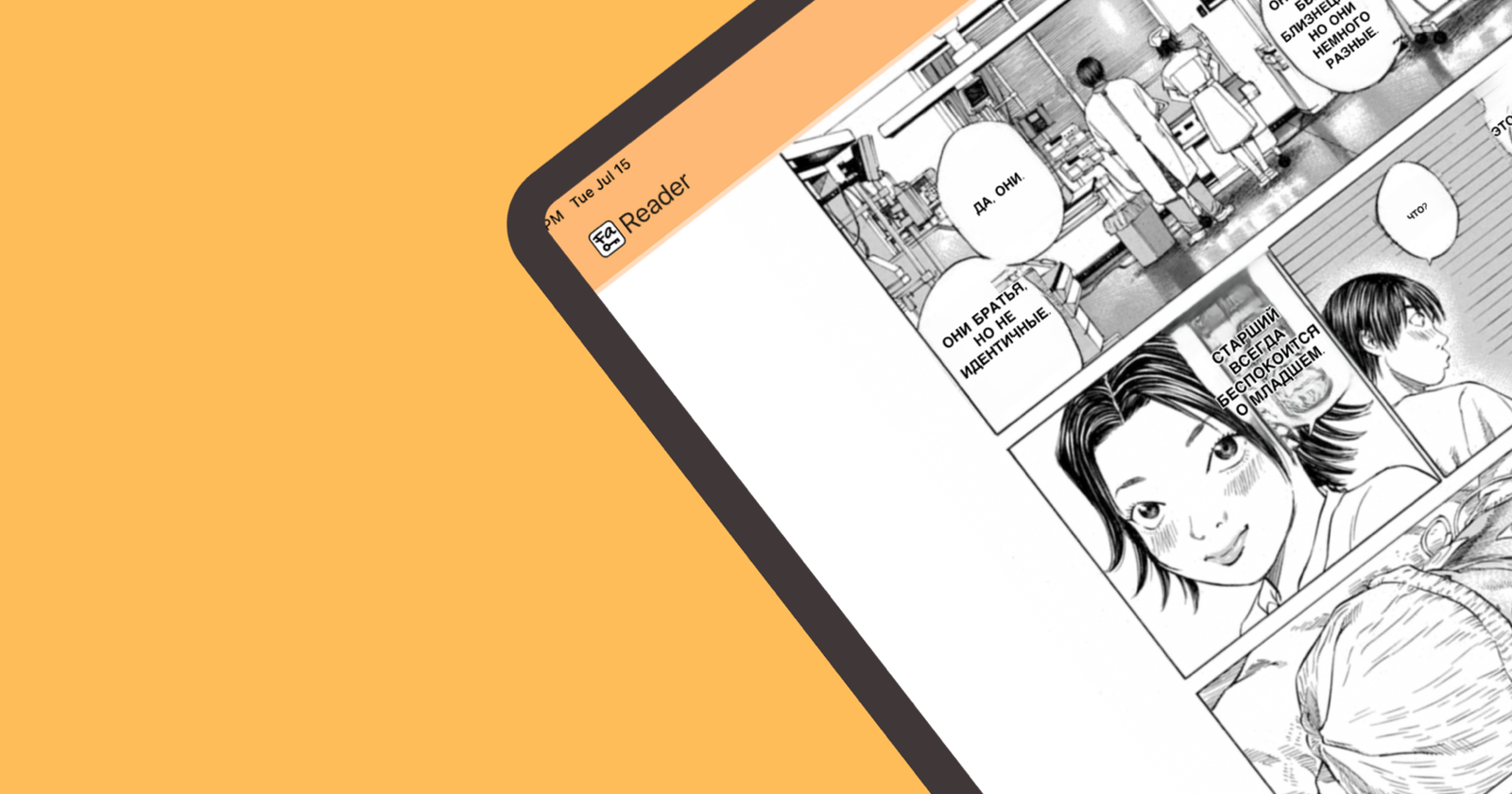
The Tachiyomi of iOS: Madomi Is the Mihon Alternative for iPhone
Madomi is the Tachiyomi alternative for iOS: the same Mihon extension repos, your .tachibk backup, plus AI translation. Free on iPhone and Android.