
The Best iOS Manga Reader Alternative in 2026 (That Also Translates)
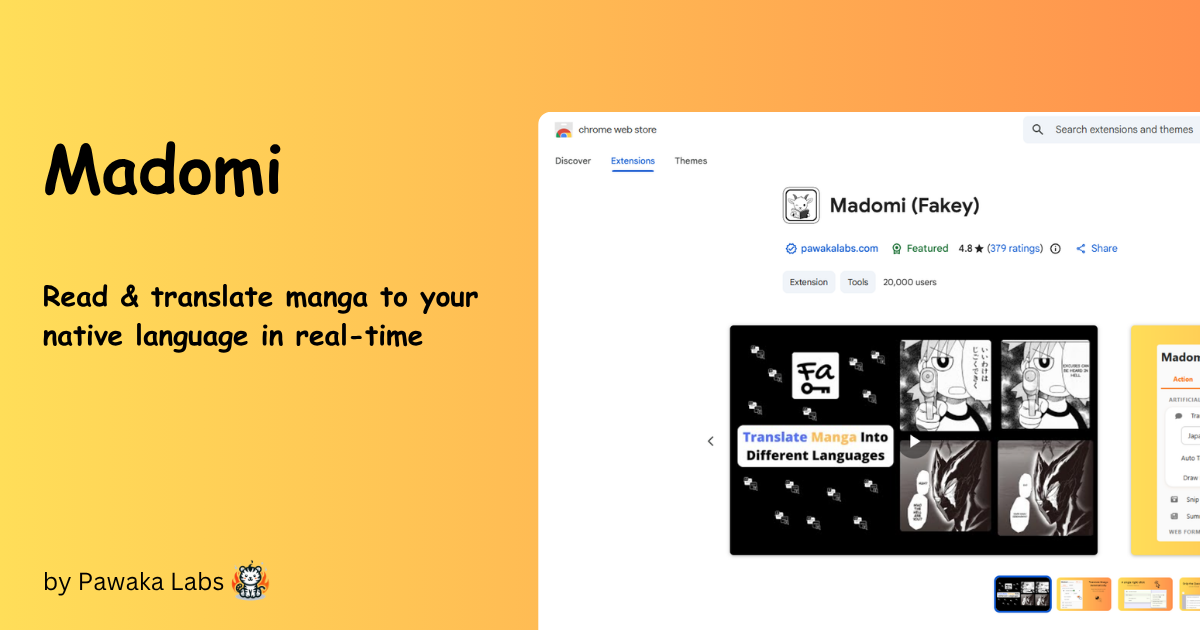
If you read manga on an iPhone, you already know the drill. You find a reader app you like, you build your library around it, and a few months later it’s gone from the App Store. Or you’re switching over from Android, you go looking for Tachiyomi, and there just isn’t one. Tachiyomi itself was discontinued in early 2024, its Android successor is Mihon, and neither has ever run on iOS.
iOS is a rough place to be a manga reader. The whole category feels smaller and more fragile than it does on Android. So here’s an honest look at your actual options in 2026, from the Tachimanga alternatives people search for to the one gap none of them fill.
One thing up front: if your problem isn’t which reader to use but that the series you want isn’t in English, most of this list won’t help you. The one that will is Madomi, which reads and translates on your iPhone. Jump straight to it, or read on for the full comparison.
Why iOS manga readers keep disappearing
The short answer is the App Store. Apple reviews every app and pulls anything that hosts unlicensed content or looks like piracy. Reader apps that bundle a built-in source of pirated chapters tend to get removed, sometimes after they’ve already built a following. That’s why a reader you loved last year might not be installable today.
Android is different. It lets you sideload, so readers like Mihon (the app that carried on after Tachiyomi shut down) and its many forks can live outside the Play Store entirely and pull from whatever source you point them at. iOS doesn’t allow that in the same way, at least not without a lot of friction. That’s why there’s no true Tachiyomi or Mihon for iPhone, only apps that work around Apple’s rules in different ways. (Worth knowing before you go looking: there is no Mihon for iOS at all, and anything on the App Store using that name isn’t theirs.)
What survives on iOS, then, are apps that play by Apple’s rules: readers for files you already own, readers that connect to your own self-hosted library, and a handful of source-based apps that stay quiet enough to keep passing review. Once you understand that split, picking the right one gets a lot easier.
The best iOS manga reader apps in 2026
Here’s the rundown. Most of these cover one slice of the job; only one covers all of it, and we’ll be upfront that it’s ours.
- Tachimanga: The name most people land on when they search for a Tachiyomi alternative on iOS. It’s a source-based reader that pairs with a self-hosted Komga library. The free tier caps downloads at around 10 chapters a day and the full experience is a paid unlock, it’s iOS-only, and source upkeep is on you. If “Tachimanga alt” is what brought you here, Madomi runs the same Mihon repos, imports Tachimanga’s own
.tmbbackup directly, and has a higher free cap; we wrote a dedicated Tachimanga alternative guide for that exact search, and a round-by-round Tachimanga vs Madomi comparison. - Aidoku: A source-based reader in the Tachiyomi style: you add extensions to pull chapters from different sites. It isn’t on the App Store (TestFlight, AltStore or a sideloaded IPA), stays iOS-only with no Android or browser version, and can’t import a Tachimanga or Mihon backup, so a library built elsewhere starts from scratch. You manage sources yourself, and any given source can break or disappear. If that’s you, we’ve written a full Aidoku alternative guide.
- Paperback: Another source-based reader with iCloud sync and tracker integration (AniList, MyAnimeList). Its availability has wobbled over time, so check whether it’s currently installable in your region before you commit your library to it. iOS-only, and no Tachimanga import. Leaving it? Here’s our Paperback alternative guide.
- Mangayomi: A newer cross-platform reader that also handles anime. It shows up in “apps like Tachiyomi” lists, but it’s a younger project with a smaller extension ecosystem, and there’s no Tachimanga backup import.
- Panels: A file reader for CBZ, CBR, and PDF that connects to self-hosted libraries like Komga, Kavita, and Plex. It doesn’t read from online sources at all, the full app is a paid unlock, and it’s iOS-only, so it only fits if your whole collection is files you already own.
- Official apps (Manga Plus, VIZ): If you mainly read mainstream Shonen Jump titles, Shueisha’s Manga Plus and VIZ Manga are free, legal, and translated. Limited catalogues, but no setup and no gray area.
- Madomi: Our pick, and the one we’d recommend even if we hadn’t built it. A full source-based reader in the Tachiyomi mould (Mihon extension repos, five reading modes, categories, an Updates feed, AniList and MyAnimeList tracking, Komga, your own files) that’s free, runs on Android as well as iPhone, iPad and Mac, and is the only app on this list that imports both Mihon
.tachibkand Tachimanga.tmbbackups. It also translates every page with AI as you scroll, which none of the others can do. More on that below.
Here’s how they stack up at a glance:
| App | Reads from manga sites | Your own files + Komga | Also on Android | Imports Tachimanga .tmb | Translates raws |
|---|---|---|---|---|---|
| Tachimanga | Yes | Yes (Komga) | No | n/a | No |
| Aidoku | Yes | Local files | No | No | No |
| Paperback | Yes | Komga via source | No | No | No |
| Mangayomi | Yes | Local files | Yes | No | No |
| Panels | No | Yes | No | No | No |
| Manga Plus / VIZ | Official only | No | Yes | No | Already in English |
| Madomi | Yes | Yes (Komga) | Yes | Yes | Yes |
Two things stand out. Madomi is the only source-based reader here that’s on Android too and imports a Tachimanga backup, so for plain English reading it’s already the easiest switch. It’s also free, with 20 chapter downloads a day. And it’s the only one at all that can turn a raw Japanese, Korean, or Chinese page into something you can actually read. That last “Yes” is the reason this post exists, but you don’t need it to pick Madomi.
If your series is available in English on one of these, you’re set. Read it there and support the author. The trouble starts with everything that isn’t in your language yet.
The gap none of them fill: language
Every reader above assumes the chapter is already in a language you can read. That’s a big assumption.
A huge amount of manga, and most manhwa and manhua, either never gets an official English release or runs hundreds of chapters behind the raws. If you follow anything even slightly off the beaten path, you eventually hit a wall: the art is right there on the page, and you can’t read a word of it.
None of the iOS readers solve this. They’re readers, not translators. So the workflow most people fall back on is screenshotting a panel, cropping it, pasting it into Google Translate, and squinting at the result. It works for one bubble. It falls apart across a whole chapter, and it’s miserable with vertical Japanese text or dense Korean and Chinese lettering.
Madomi: an iOS manga reader that translates as you read
This is the gap Madomi is built for. It’s a manga reader on the App Store for iPhone, iPad, and Mac, and it translates every page with AI in real time as you scroll. No screenshots, no copy-paste.
A few things make it different from the readers above:
- Install Tachiyomi-style sources. Madomi loads sources from Mihon extension repos (the same paste-a-repo-URL flow as Tachimanga) and imports Mihon
.tachibkand Tachimanga.tmbbackups, so an existing library carries over in one step. - A real reader, not a viewer. Five reading modes, continuous chapter-to-chapter scrolling, Mihon-style tap zones, colour filters, categories, an Updates feed, global search, auto scroll, source migration, and AniList / MyAnimeList tracking.
- Read your own files. Open CBZ, PDF, ZIP, and more, the same as any file-based reader.
- Connect your own library. Point it at a self-hosted Komga server and read your collection from your phone.
- Read on manga sites too. Open a page and let Madomi translate it in place.
- Know the second a chapter drops. Follow a series and Madomi pushes a real-time chapter notification when it’s released, watched on our servers so the alert arrives with the app closed.
- Translation is the whole point. Japanese manga, Korean manhwa, Chinese manhua, and webtoons, translated on the page in the language you actually read, automatically while you scroll.
So instead of “read the chapters that already exist in English,” Madomi lets you read the ones that don’t. That’s the part Aidoku, Paperback, and Panels leave to you.
The reader is free, with 20 chapter downloads a day. The one-time Madomi Reader purchase (a lifetime unlock, not a subscription) adds trackers, cross-device sync, unlimited downloads, auto scroll and custom themes. Madomi Premium is only about translation: unlimited, faster credits if you’re powering through a raw backlog. The same account works across iOS, Android, and the browser, so you’re not paying twice to read on your phone and your laptop.
You can get Madomi on the App Store for free and try it on a chapter right now. No card, no sign-up wall.
Which iOS manga reader should you pick?
Quick decision guide:
- You own a legal library (CBZ files or a Komga server) and only ever read in English. Madomi opens CBZ, PDF and ZIP and connects to Komga, and it does it for free. Panels covers the same files behind a paid unlock, without online sources, and if there’s any chance you’ll want a raw chapter translated later, Madomi does both jobs from one app.
- You want a source-based, Tachiyomi-style reader for English scanlations. Madomi is the pick: the same Mihon-repo sources as Aidoku and Tachimanga, free with a higher download cap than Tachimanga, tracking and categories built in, backup import from both Tachimanga and Mihon, and it runs on Android too, so you’re not tied to one device. Sources are always your responsibility and can break, and Madomi’s single and bulk migration tools are the easiest way to recover when one does.
- You read raws, or your series is stuck untranslated. Use Madomi. It’s the only one here that reads and translates, so it solves a problem none of the others touch.
- You want one app that does everything. Madomi reads your files and Komga library and translates as you go, covering the reader job and the language job at once. For most people that’s the simplest answer.
If you’ve done this with other languages before, the workflow is identical. We walked through it for Korean in how to read Korean manhwa without knowing a single word of Korean, and for Chinese in how to read Chinese manhua in English without waiting for translations.
Try it on the series you’ve been stuck on
Pick the manga that stalled out in English. Grab Madomi on the App Store, open the chapter you’ve been blocked on, and read it in your language. The whole thing takes about two minutes.
FAQ
Is there a Tachiyomi for iOS? Not officially. Tachiyomi was discontinued in 2024 and its successor, Mihon, is Android only. On iPhone, Madomi is the closest full experience: the same Mihon extension repos, .tachibk backup import, tracking and categories, and it’s free. Aidoku and Tachimanga are source-based too, but neither imports a Mihon backup the way Madomi does, and neither runs on Android. iOS doesn’t allow sideloading the way Android does, so nothing is quite identical, and Madomi gets closest.
What’s the best Tachimanga alternative on iOS? Madomi. It runs the same Mihon repos, imports your Tachimanga .tmb backup directly, gives you 20 free downloads a day instead of about 10, and works on Android and in the browser as well. And if your real problem is untranslated chapters, Madomi is the only one that reads and translates.
Can I read my own CBZ or PDF files on iPhone? Yes. Madomi opens CBZ, PDF, ZIP and other common formats and connects to a self-hosted Komga library, for free. Panels handles the same files behind a paid unlock.
Does Madomi work on iPad and Mac? Yes. The App Store version runs on iPhone, iPad, and macOS from the same download.
Is Madomi free? The reader is free: every reading mode, sources, Komga, categories, global search and 20 downloads a day. Madomi Reader is a one-time lifetime unlock for trackers, sync, unlimited downloads and themes. Translation has a free monthly credit allowance, and Premium makes it unlimited and faster.
Is it legal to read and translate raw manga? Reading from an official publisher’s site is legal, and running a translator on top is the same as using Google Translate on any foreign-language page. Where you read matters more than how you translate it. Support the official English release whenever one exists.
Read more on Pawaka Blog
Keep reading
Is There a Mihon for iOS? No, and Any App Called Mihon on the App Store Is Fake
There is no Mihon for iOS and the team says there never will be. Any App Store app using the name is fake. Madomi is the iPhone reader that uses the same repos and .tachibk backups.
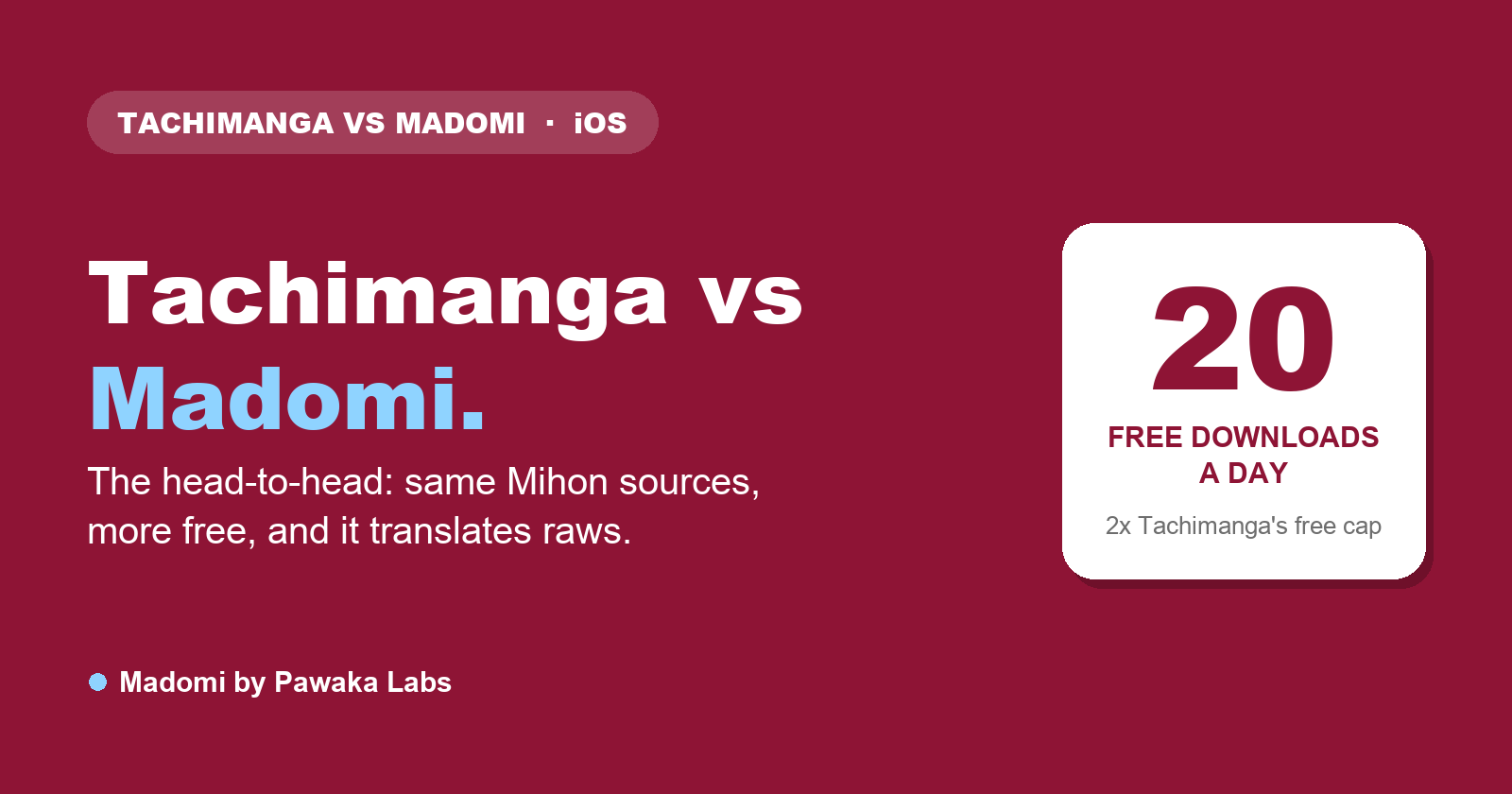
Tachimanga vs Madomi in 2026: Which iOS Manga Reader Should You Use?
Tachimanga vs Madomi, compared round by round: sources, platforms, price, reader features and translation. Madomi wins on free limits, Android and browser apps, and raw manga translation.
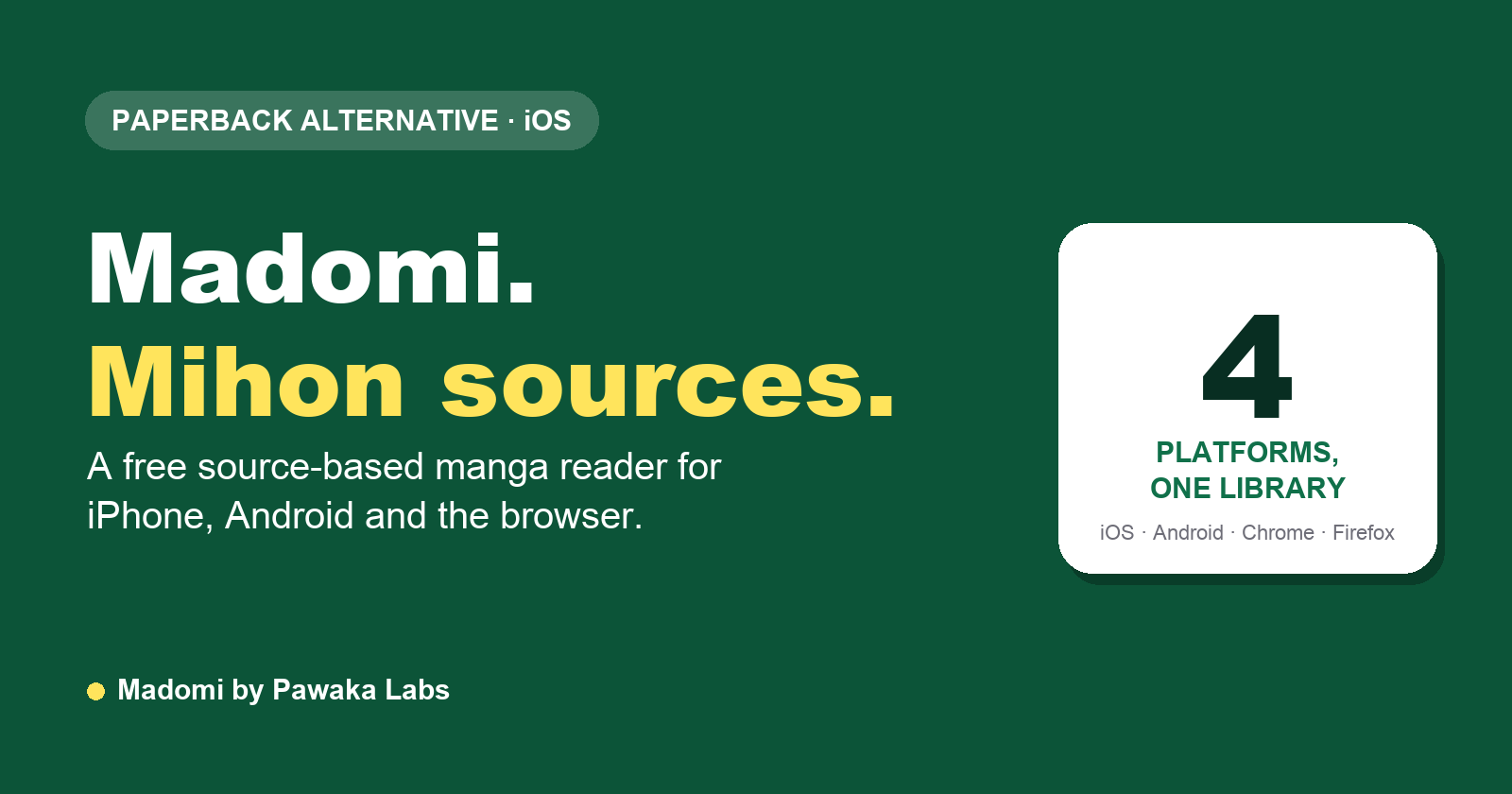
The Best Paperback Alternative for iOS in 2026: Madomi (Mihon Sources, Android Too)
Looking for a Paperback alternative? Madomi is a free source-based manga reader with Mihon repo sources, AniList and MAL tracking, Android and browser apps, and AI translation.
Pawaka Labs Summer Sale: 20% Off Borang and Madomi
Save 20% on Borang and Madomi Premium with code PAWAKASUMMER20 and lock in the annual plan. The Pawaka Labs Summer Sale runs until 15 July 2026.

Blue Lock: How to Read the Manga Ahead of Season 3 (Neo Egoist League)
Blue Lock Season 3 adapts the Neo Egoist League. Here's exactly where the anime leaves off in the manga, where to read Blue Lock in English, and how far ahead the story is.