
Best Tools to Translate Manga in 2026: Tested and Ranked
From Google Translate to dedicated AI tools, we tested everything manga readers actually use. Here is what actually works in 2026.
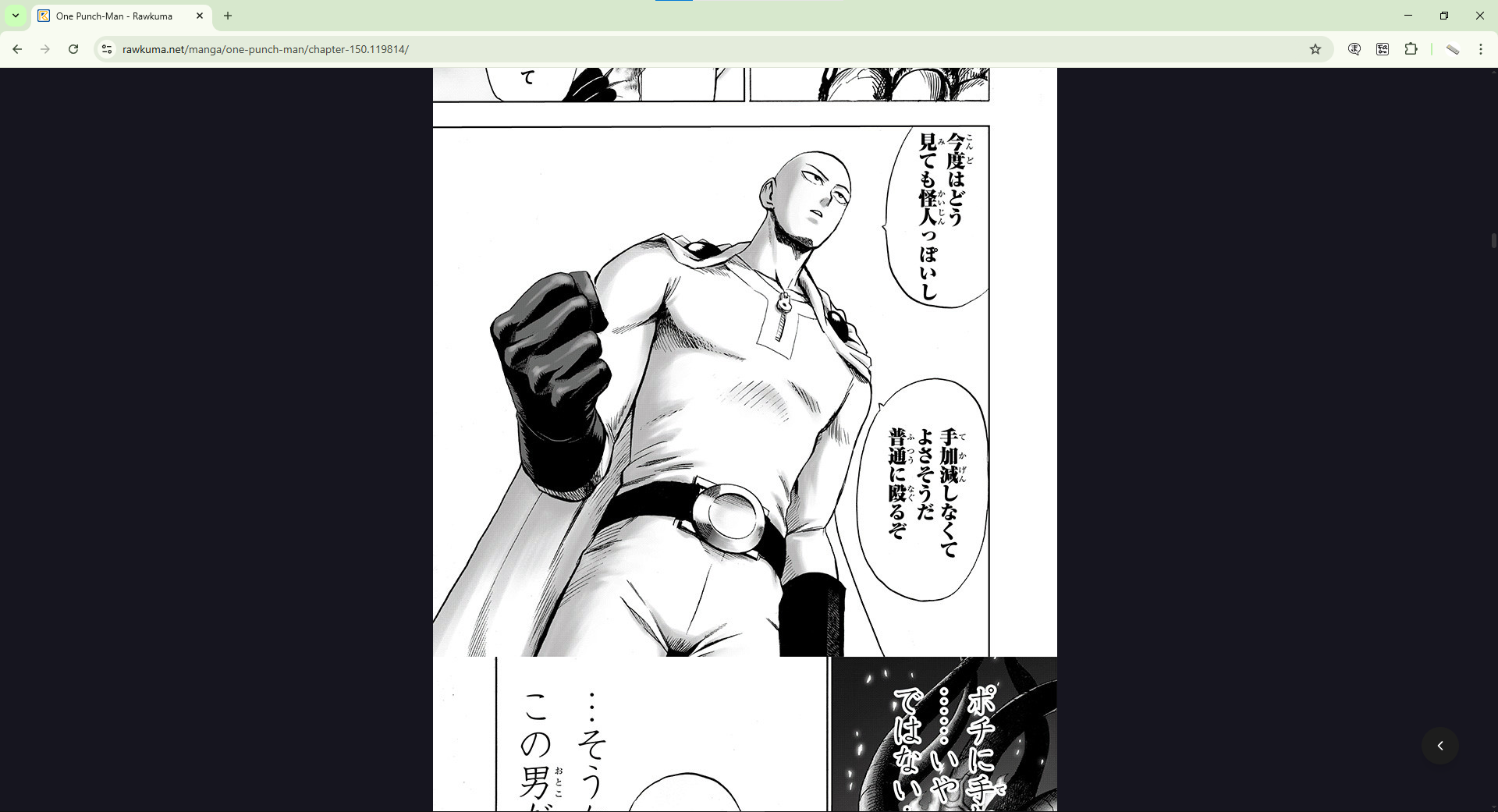
You’re three arcs deep into a manga series and the official translation just went on hiatus. The raw chapters are out, ready to read, in a language you don’t know. So you reach for the nearest translation tool and hope for the best.
Most manga readers have been through this. And most have tried Google Translate, DeepL, ChatGPT, or Papago at some point to get through untranslated chapters. They’re general-purpose tools, and manga isn’t a general use case.
We tested six of the most popular translation tools against real manga chapters to see how they actually perform. Here’s the honest breakdown.
How We Evaluated Each Tool
We scored each tool on five criteria that matter specifically to manga readers:
- Reading experience: Does it work on the page while you scroll, or do you screenshot and upload panel by panel?
- Translation quality: Is the output natural enough to follow the story?
- Manga-specific OCR: Can it read curved, stylized manga fonts accurately?
- Platform availability: Desktop, mobile, or both?
- Cost: What do you actually get for free?
Quick Comparison Table
Here’s the at-a-glance summary before the full reviews.
| Tool | Reading Experience | Manga OCR | Platforms | Free Plan |
| Madomi | On-page, real-time | Built for manga | Chrome, Firefox, Android, iOS | Free credits every month |
| Google Translate | Manual screenshots | General OCR | All platforms | Unlimited (manual) |
| DeepL | Manual screenshots | Limited, paid only | Web, Desktop | Text only |
| ChatGPT Vision | Manual uploads | Good but slow | Web, Mobile | Limited free tier |
| Papago | Manual screenshots | Basic | Mobile, limited web | Free (ad-supported) |
| Microsoft Translator | Manual screenshots | Basic | All platforms | Free |
1. Madomi – Best Overall for Reading Manga in 2026
4.8 out of 5 on Chrome Web Store (383 ratings) | 20,000+ users | Free plan available
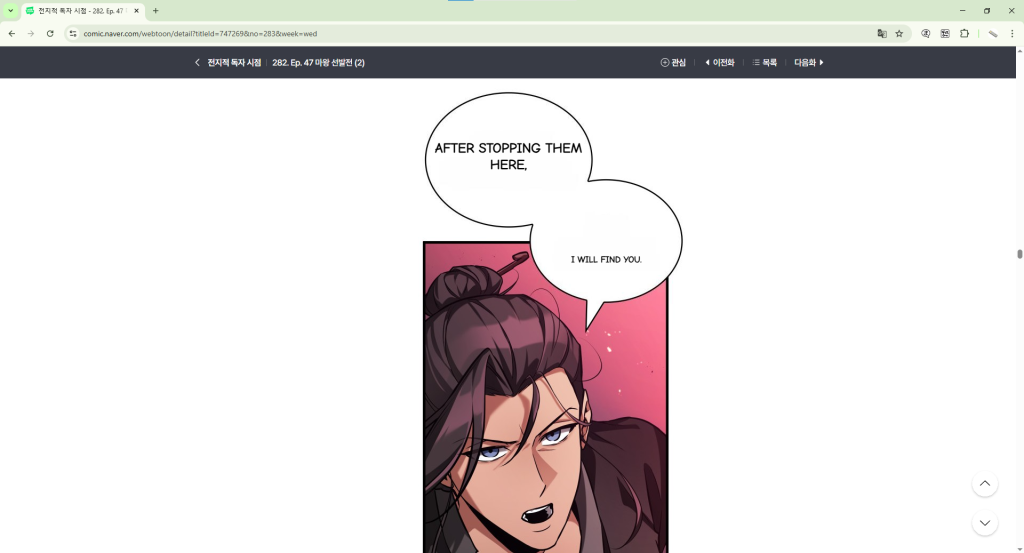
Madomi is the only tool on this list built specifically for manga. Developed by Pawaka Labs, it works as a browser extension on Chrome and Firefox and as a native app on Android and iOS. You open a manga chapter, activate Madomi, and the translation appears directly inside the speech bubbles as you scroll. No screenshots and no tab switching.
It uses OCR trained on manga-style fonts, which means it handles curved text inside speech bubbles, stylized lettering, and handwritten-style fonts far better than general purpose OCR engines. The translation overlays right on top of the original text so the artwork stays intact and the reading experience feels natural.
With 4.8 stars from 383 Chrome Web Store ratings and 20,000+ users, Madomi has the strongest user satisfaction score of any tool in this comparison. The free plan gives you free credits every month, resetting on the 1st of each month. For heavier readers, Madomi Premium provides unlimited translations.
What we liked:
- Translates directly on the page as you scroll, zero interruption to reading
- OCR built specifically for manga fonts handles stylized text well
- Available on Chrome, Firefox, Android, and iOS
- Cached translations mean re-reading chapters never uses credits
- Frequently updated with new site support
2. Google Translate – Fine for a Single Panel, Slow for a Chapter
Available on all platforms | No signup required | Manual screenshots only
Google Translate is the tool most manga readers try first. It supports over 130 languages and runs on every platform. The camera and image upload features let you photograph or screenshot a manga panel and get a translation back in seconds.
The limitation is workflow. Google Translate’s page translation feature doesn’t work on image-based manga text, since speech bubbles are embedded inside images rather than HTML text. That means you have to screenshot and upload every single panel manually. For a chapter with 60 to 80 panels, that process can take 20 to 30 minutes.
For a quick check on a single panel it works fine. For reading through full chapters of an ongoing series it isn’t practical. We covered the exact steps and limitations in our guide How to Translate Manga With Google Translate.
- No account or installation needed
- General OCR that isn’t trained on manga lettering
- Panel-by-panel screenshotting makes full chapter reading very slow
3. DeepL – Natural Text Output, Most Tedious Workflow
Free tier available (text only) | Paid plan from $10.49/month | Web and Desktop
DeepL’s text output reads more naturally than Google Translate’s, and dialogue keeps a bit more of its nuance. That only helps if you can get the text out of the page, though.
DeepL has no image translation on its free web version. Paid plans do support document and image translation, but even then the process is the same panel-by-panel manual workflow as Google Translate. Nicer sentences don’t help much when the workflow makes reading a full chapter exhausting.
We compared DeepL and Google Translate head to head for manga in our post DeepL vs Google Translate for Manga: Which One Actually Works Better?
- Natural-sounding text output for dialogue
- No image translation on free web version
- Same slow manual workflow as Google Translate even on paid plans
4. ChatGPT Vision – Context-Aware, Impractical for Full Chapters
$20/month for ChatGPT Plus | Web and mobile | Limited free usage
ChatGPT can translate a manga panel if you upload the image and ask. Because it reasons about what it sees rather than pattern-matching text, it copes with cultural references and wordplay that trip up the plain translators.
The problem is speed and workflow. You upload one image at a time, wait for the response, then move to the next. For a chapter with 70 panels that’s 70 separate uploads and responses. At $20 per month it’s also the most expensive option here, and the free tier limits how many images you can process.
- Context-aware output that copes with references and wordplay
- Output is a block of text, not an overlay on the page
- One image upload at a time makes full chapter reading very slow
- Most expensive option at $20 per month
5. Papago – Korean-Focused, Limited for Manga
Mobile app, limited web | Developed by Naver | Manual screenshots only
Papago is developed by Naver, the Korean tech company that also runs Naver Webtoon, so its Korean to English pair is the one it’s built around.
The limitation is the same as the other general tools. Papago’s image translation feature requires manual screenshots and doesn’t work as an on-page overlay. You’re still doing the same repetitive process for each panel, and the mobile app experience for reading through full chapters is clunky.
- Built around the Korean to English pair
- Basic OCR, not trained on manga lettering
- Manual screenshot workflow, no on-page manga translation
6. Microsoft Translator – Basic for Manga Use
Available on all platforms | Integrates with Microsoft products | Manual screenshots only
Microsoft Translator is a general translation tool that runs on every platform. It supports image translation via the mobile app and covers the major language pairs. For manga, it faces the same fundamental problem as every other general tool: it requires manual screenshotting and doesn’t translate on the page.
It can read Japanese and Korean text from a screenshot, but without an on-page translation workflow it isn’t a practical option for reading full chapters.
- Available on all platforms including mobile
- Basic OCR that struggles with stylized manga fonts
- No on-page translation, same manual workflow limitations as other general tools
Which manga translator should you use?
Every general purpose tool on this list shares the same core problem for manga: they weren’t built for it. Google Translate, DeepL, ChatGPT, Papago, and Microsoft Translator all require you to screenshot and upload panels manually, one at a time. For a single panel that’s fine. For reading through full chapters of a series you follow, it turns reading into a chore.
Madomi solves this at the root. It’s built specifically for manga, translates directly on the page as you scroll, and works across all four major platforms. With 4.8 stars from 383 Chrome Web Store ratings and 20,000+ users, it’s the tool readers actually stick with.
If you’ve been making do with a general translation tool for manga, try Madomi on your next chapter. The difference is immediate.
Frequently Asked Questions
What is the best free tool to translate manga?
Madomi. Its free plan gives you free credits every month, and the translation shows up on the page as you scroll. Google Translate and Microsoft Translator have no usage cap, but they need a manual screenshot for every panel, which makes them slow for full chapter reading.
Can I use Google Translate for manga?
Yes, but only panel by panel. Google Translate’s page translation doesn’t work on image-based manga text, so you need to screenshot each panel and upload it manually. For one or two panels this is fine. For a full chapter it’s very slow. We wrote a full guide on exactly how to do it in our post How to Translate Manga With Google Translate.
Which tool is best for manga specifically?
Madomi is the most practical option for reading full manga chapters with real-time on-page translation. Papago is built around Korean, but it still requires manual screenshots for every panel. For a full guide on reading raw manga, check out our post How to Read Manga Without Knowing Japanese.
Is DeepL better than Google Translate for manga?
DeepL’s text output reads a little more naturally, but both tools need the same manual screenshot workflow for manga. For full chapter reading, neither is practical next to a purpose-built tool like Madomi. We compared both in detail in our post DeepL vs Google Translate for Manga: Which One Actually Works Better?
Does any tool translate manga on mobile?
Yes. Madomi is available on both Android and iOS and provides the same on-page real-time translation experience on mobile as on desktop. Google Translate, Papago, and Microsoft Translator also have mobile apps but all require manual screenshots.
Ready to Read Without the Language Barrier?
Madomi is free to install and takes under a minute to set up. Get it on Chrome, Firefox, Android, or iOS and read the next chapter of your series today.
20,000+ readers are already using it. Join them.
Madomi is available on Google Play, Apple App Store, Chrome Web Store, and Firefox Add-Ons. Developed by Pawaka Labs.
Read how Madomi helps translate Jujutsu Kaisen manga into other languages.
Join our support channels to get the latest news.
Keep reading
Real-Time Manga Translation: How It Works and the Best Apps in 2026
The best real-time manga translation app is Madomi by Pawaka Labs. How on-page manga translation works, plus every extension, app and web tool compared.
Best Manhwa Raw Sites in 2026: Where to Read Raw Korean Webtoons Online
Looking for manhwa raw sites? Here are the official Korean platforms (Naver Webtoon, KakaoPage, Ridibooks, Lezhin) and how to read raws in English.
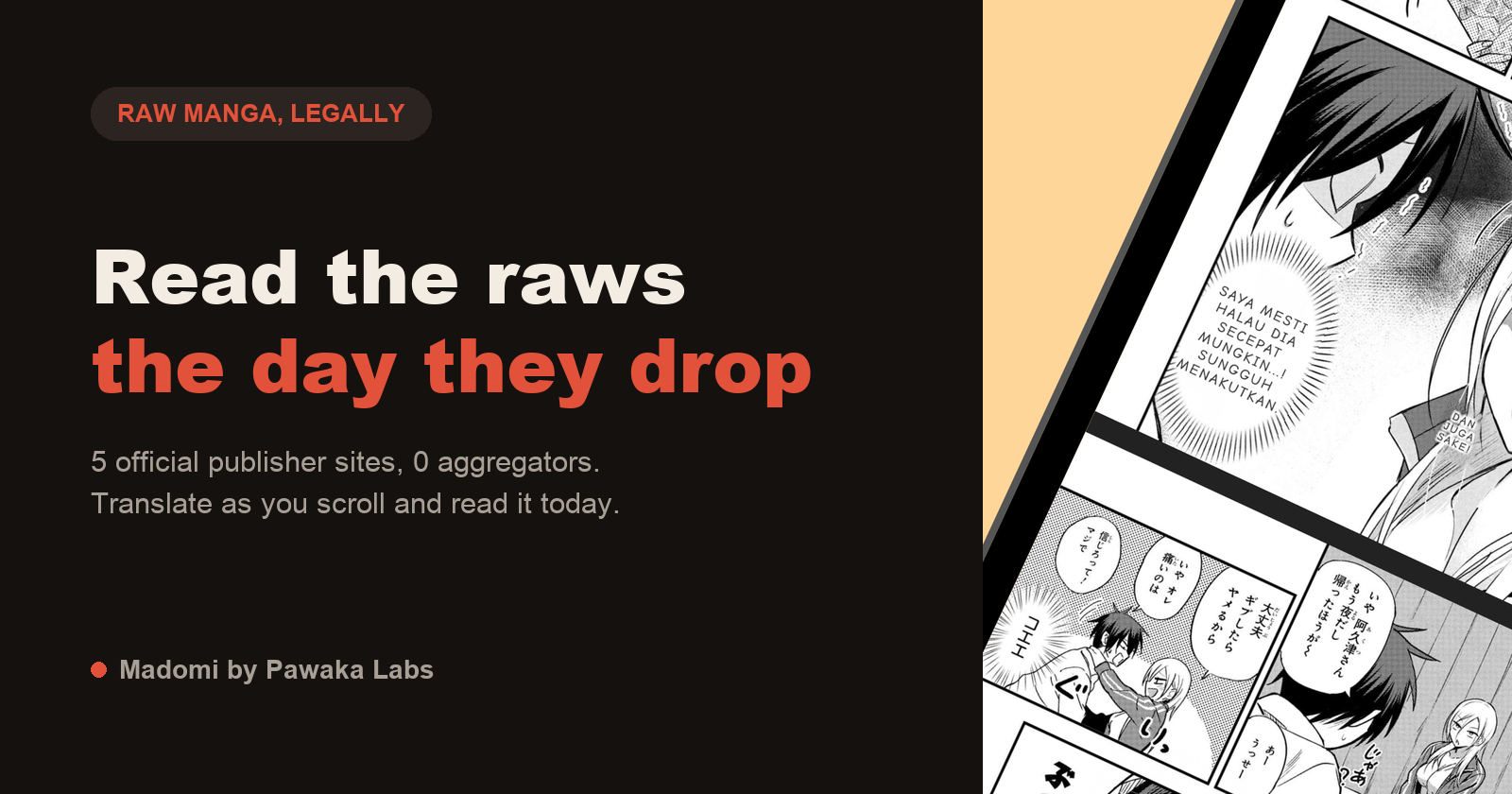
Best Manga Raw Sites in 2026: Where to Read Raw Japanese Manga Online
Looking for manga raw sites? Here are the official Japanese publisher platforms (Shonen Jump+, Magazine Pocket, Comic DAYS, Sunday Webry) and how to read raws in English.

DeepL vs Google Translate for Manga: Which One Actually Works Better?
Both Google Translate and DeepL can translate manga. But neither was built for it. Here is an honest breakdown of how each one performs, and what manga readers are using instead.

Jujutsu Kaisen Season 3 Is Out. Here Is How to Read the Manga Ahead of Every Episode
The Culling Game arc is airing on Crunchyroll right now. If you cannot wait a week between episodes, here is exactly where and how to read the JJK manga ahead of the anime.